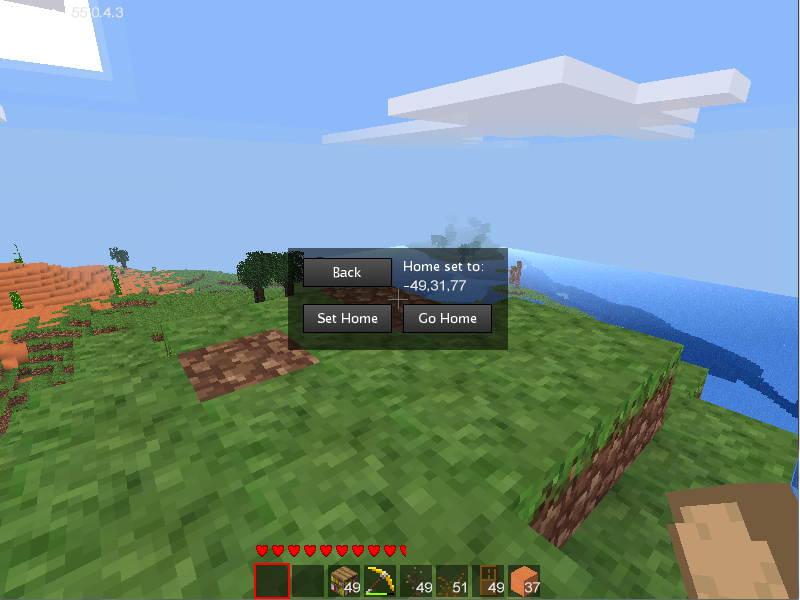
This is awesome! But some of my users prefer the commands, while others prefer the graphical interface. I tried to write a plugin that hooks into yours and adds commands, but your local variables cannot be accessed from outside your script. So I had to build a patch. Feel free to integrate it or don't, or modify it if you don't like it.
Adding this to the end of the file adds the /home and /sethome commands, both without arguments, that function as you would expect, and use the same set of home locations as the rest of your plugin. I had to do some wacky conversions, because the chat command API returns a name, but your plugin expects a player object. So, this takes a name, converts it to a player object, and passes it to your function, which immediately converts it back into a name. I should have probably come up with something more efficient, but hey, at least it works.
Your phone or window isn't wide enough to display the code box. If it's a phone, try rotating it to landscape mode.
- Code: Select all
-- Added by 0gb.us --
minetest.register_chatcommand("sethome", {
    params = "",
    description = "Set home location",
    privs = {},
    func = function(name, param)
        player = minetest.env:get_player_by_name(name)
        home_gui.set_home(player, player:getpos())
        minetest.chat_send_player(name, "Home location set.")
    end})
minetest.register_chatcommand("home", {
    params = "",
    description = "Go to home location",
    privs = {},
    func = function(name, param)
        home_gui.go_home(minetest.env:get_player_by_name(name))
        minetest.chat_send_player(name, "Warped to home location.")
    end})
EDIT: I might integrate your bookmakrs_gui with the /go command one of these days, when I'm not being so lazy.